Is the AI really running on my computer?
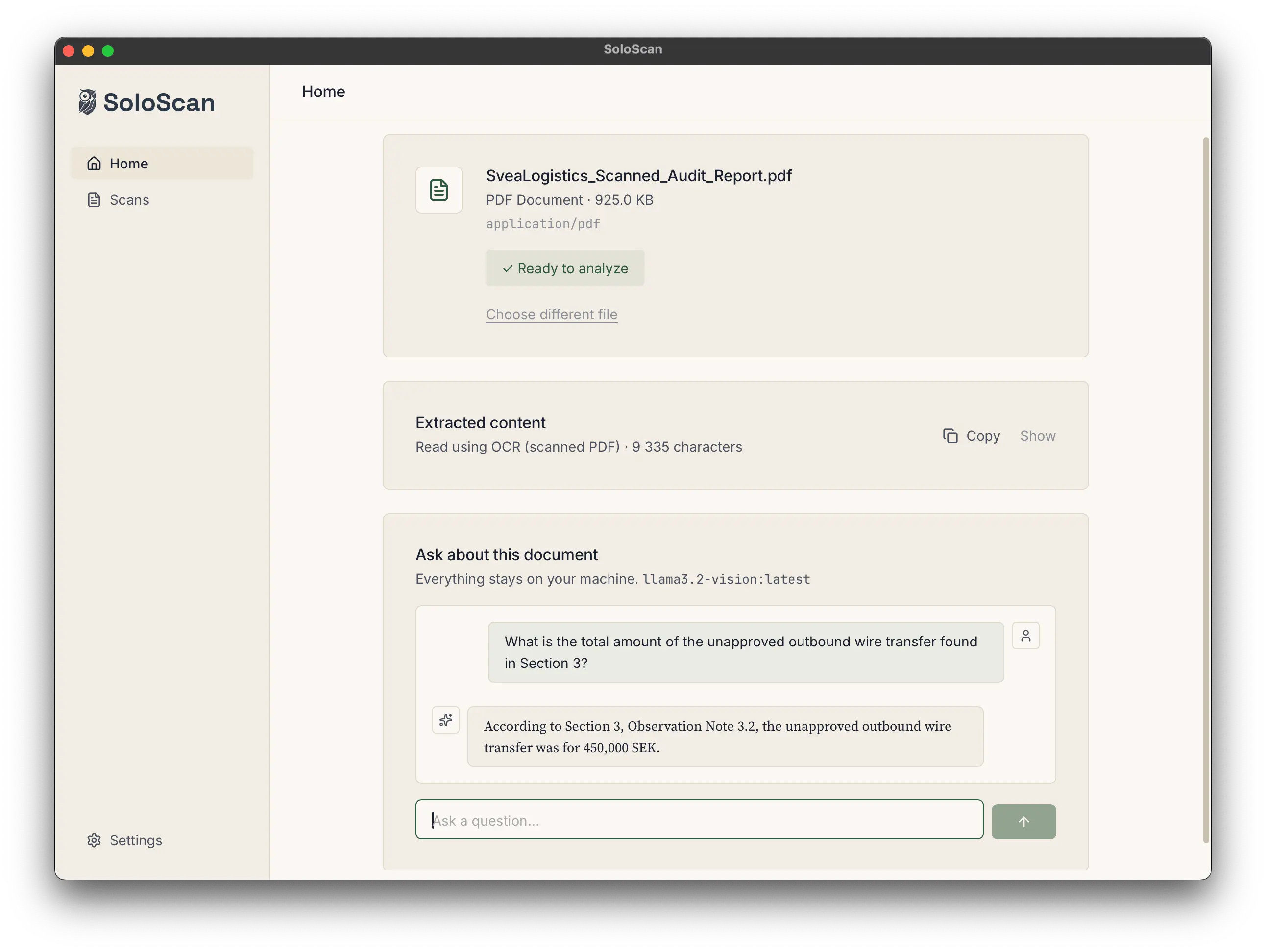
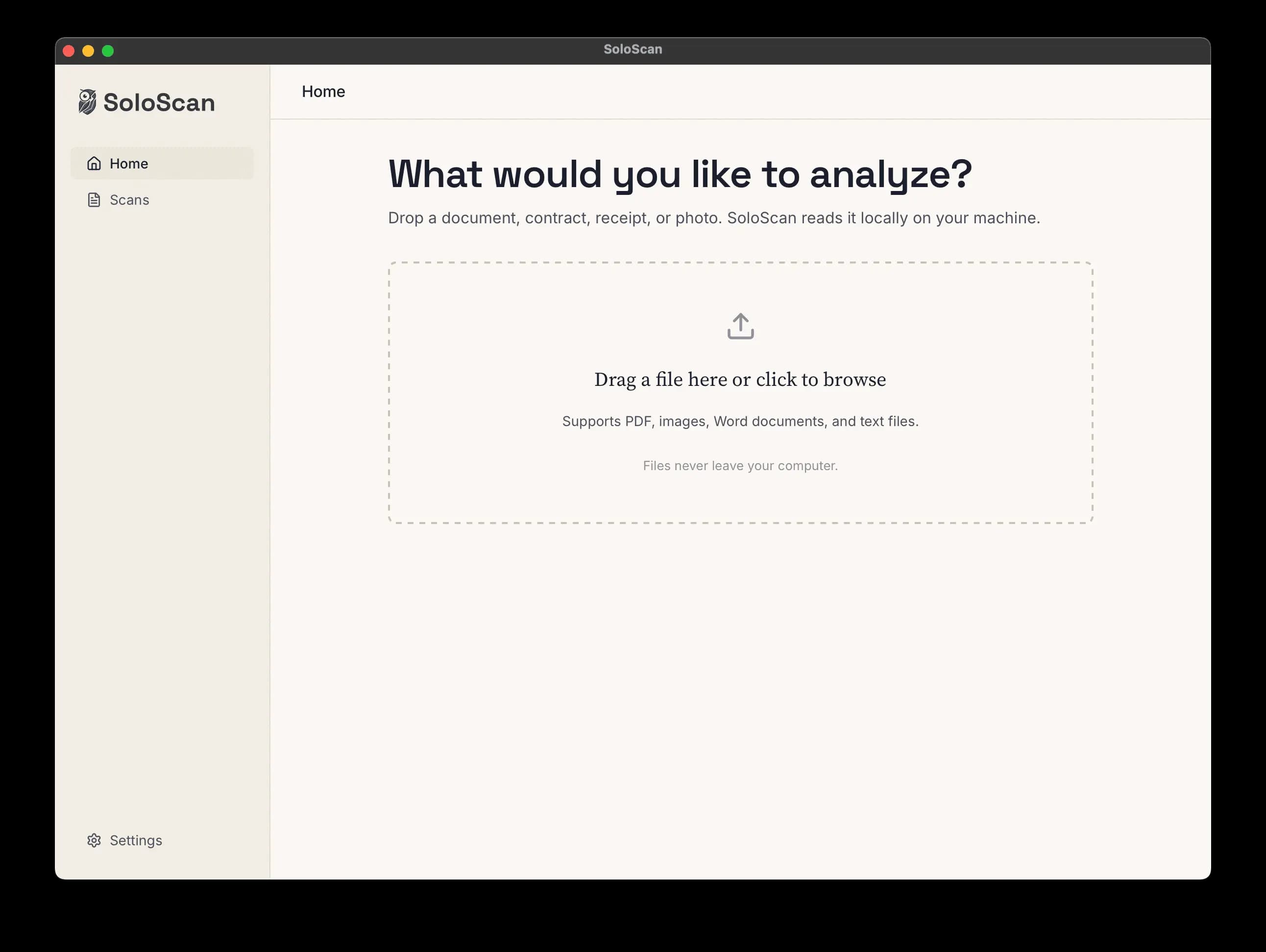
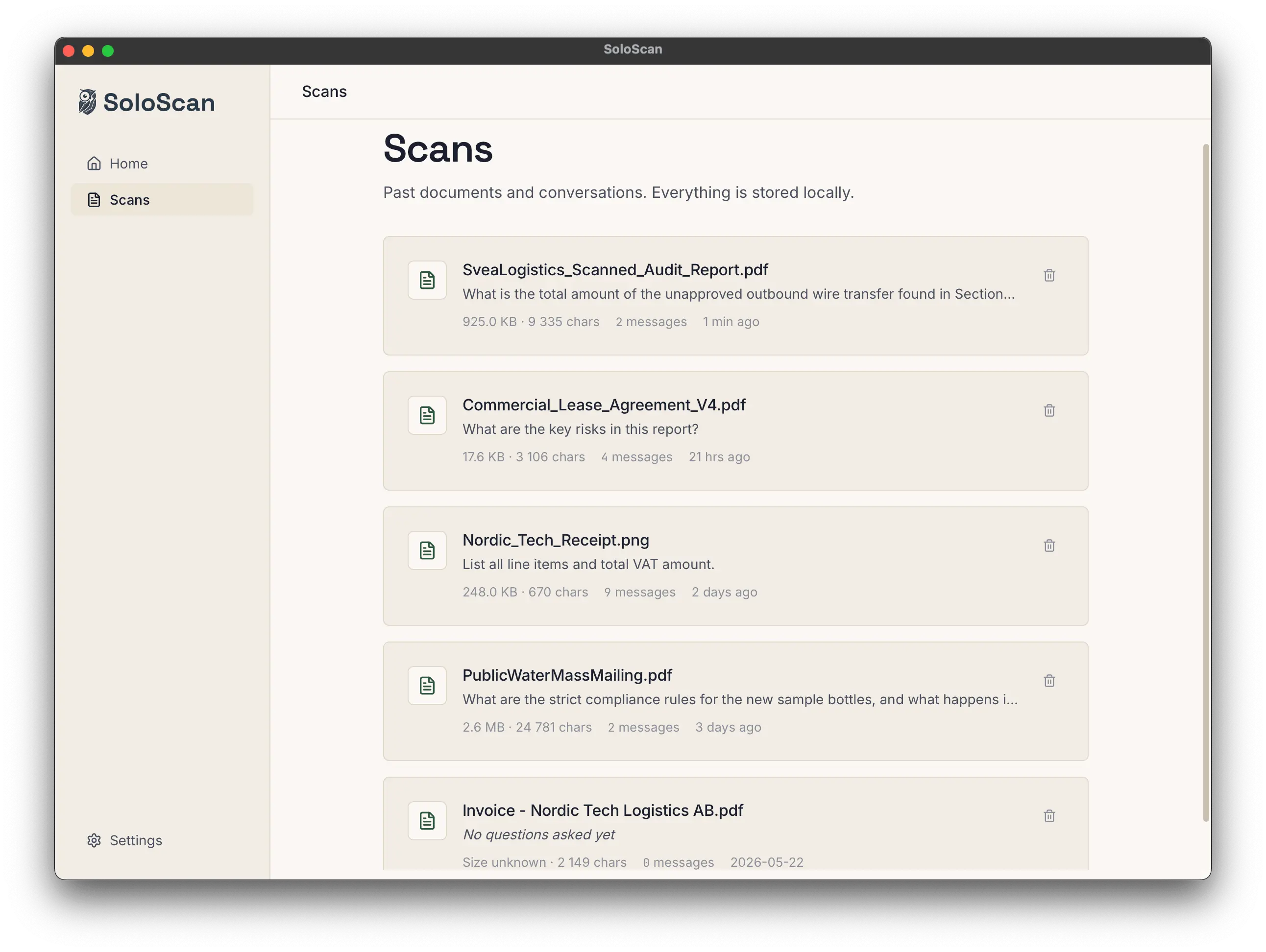
Yes. SoloScan uses Ollama to run open-source large language models locally. The first time you launch SoloScan, you will install Ollama (free) and download one of the supported models (Llama 3.2 or Llama 3.2 Vision). From then on, every document you analyze stays on your device.
What machine do I need?
On Mac: Apple Silicon (M1 or newer) with 16 GB of memory or more is recommended. Intel Macs work but the models are slower. On Windows: a modern 64-bit machine with 16 GB of memory or more. A discrete GPU isn't required but speeds up the larger models.
Does SoloScan work offline?
Yes. Once you have installed Ollama and downloaded a model, SoloScan analyzes documents without internet. It only needs a connection for occasional license validation, typically every few hours when online and can keep working offline for up to 3 days at a time.
Is there a free version?
Yes. SoloScan is free to download and use forever. On the free plan, it analyzes the first 1,000 characters of any document, enough to see it correctly read your real files, with no time limit and no credit card. To analyze full documents and unlock the Vision model (for scans, photos, and handwriting), activate a paid license and enter your key in Settings.
Can I cancel anytime?
Yes. Open SoloScan, go to Settings → License, and click 'Manage subscription'. That opens the Stripe Customer Portal where you can cancel, update payment, or change seats (for Team plans). If you cancel, you keep access until the end of the period you paid for.
What about scanned PDFs and photos?
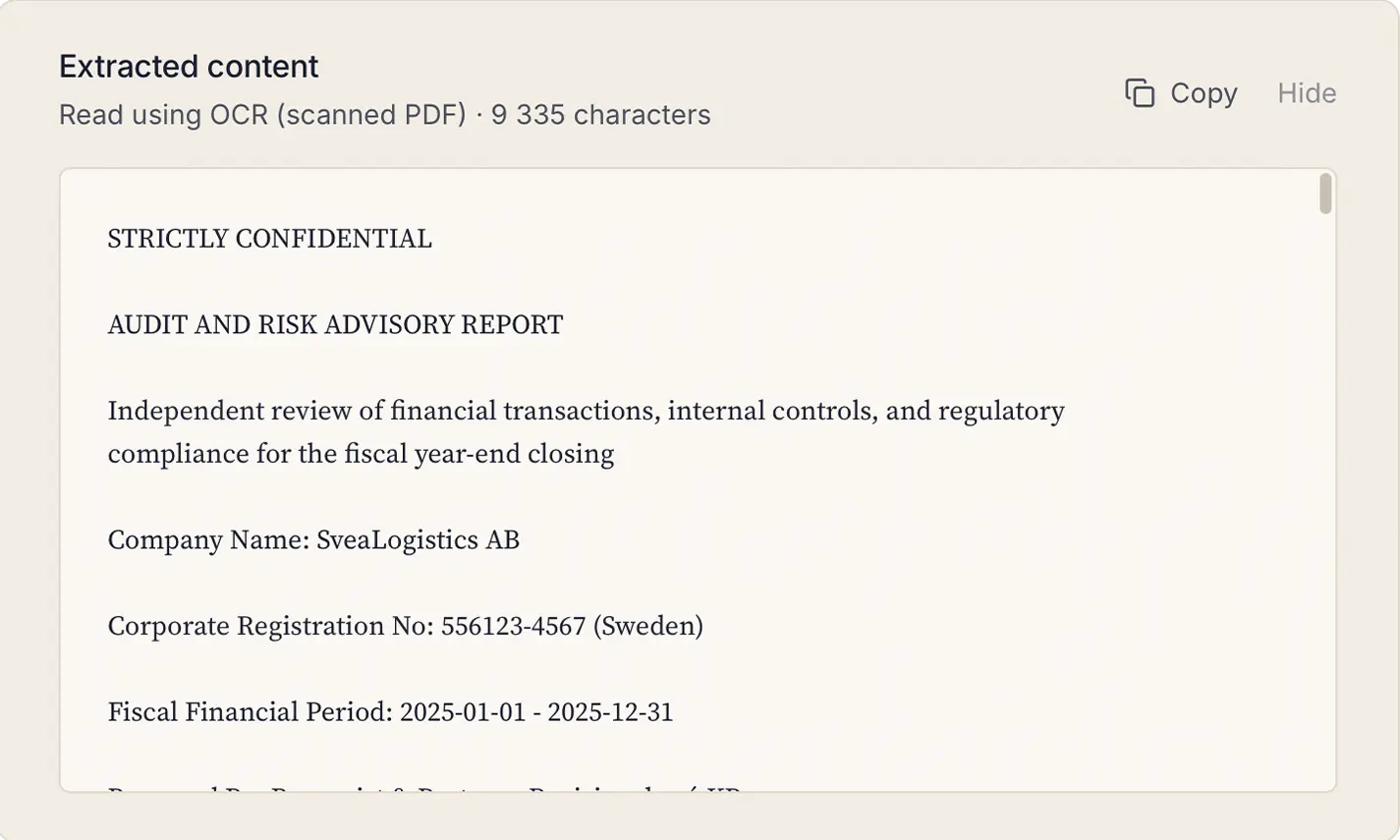
SoloScan includes OCR, it can read text from scanned PDFs and photos automatically. For best results with handwriting or complex layouts, use the Vision model.
Which languages can SoloScan read?
SoloScan reads English, Swedish, German, French, Spanish, and Arabic, including documents that mix more than one of these on a page. Text-based PDFs and Word files come through cleanest. For scanned images and photos, quality depends on the scan, and right-to-left scripts like Arabic can need a closer review. More languages are planned for a future version.
Is my license tied to one computer?
The Solo plan activates on one computer at a time. To move SoloScan to a different machine, open Settings → License and click Deactivate. Your license slot frees up immediately and you can activate the same key on the new machine. The Team plan includes one activation per seat.
What's included in the Team plan?
The Team plan is for firms with 3 or more people. Each seat gets its own license key activated on one computer. Centralized billing through Stripe means one invoice for the whole firm, and you can adjust seat count yourself at any time from the billing portal. Available at $29 per seat per month or $290 per seat per year (minimum 3 seats).
What systems are supported?
SoloScan works on macOS 10.15 (Catalina) and later, and Windows 10 and later. On Mac, Apple Silicon (M1 or newer) gives the best performance. On Windows, any 64-bit machine with 16 GB of memory or more is recommended.
Who is behind SoloScan?
SoloScan is built by Impavia AB, a small Swedish software company. We do not take venture capital, sell ads, or monetize user data. Subscriptions are how we keep the lights on.